From Crashed GPU to 7-Second Images — Building a Local AI Art Pipeline
The first model I tried crashed my machine.
I’d been using Claude to research image generation setups — which models run on consumer hardware, what settings to use, what to avoid. It recommended Flux Schnell FP8. What neither of us checked: 17GB of model weights on a 16GB card. I loaded the workflow, hit Queue, and watched ComfyUI freeze, stutter, and die. Classic.
The Model That Actually Fit
After the Flux disaster, I went back to research — this time checking VRAM requirements first. The options:
- Flux GGUF quants — Quantized versions that fit, but quality drops noticeably
- SDXL — Proven but aging, and the results look like 2024
- SD 3.5 — Decent but heavy for what you get
- Z-Image Turbo — 6B parameters from Alibaba/Tongyi Lab, Apache 2.0 license, ranked #1 open-source on the Artificial Analysis leaderboard
One file. 9.7GB. Model, text encoder, VAE — all in one checkpoint. No juggling three separate downloads.
The settings caught me off guard. CFG — the dial that controls how hard the model follows your prompt — must stay at 1.0. Most models want 7 or 8. Z-Image Turbo at anything above 1.0 falls apart. Negative prompts are ignored, and more than 8 steps actually makes things worse.
| Resolution | Time | VRAM |
|---|---|---|
| 1024x1024 | 7 seconds | ~8GB |
| 1920x1080 | ~15 seconds | ~10GB |
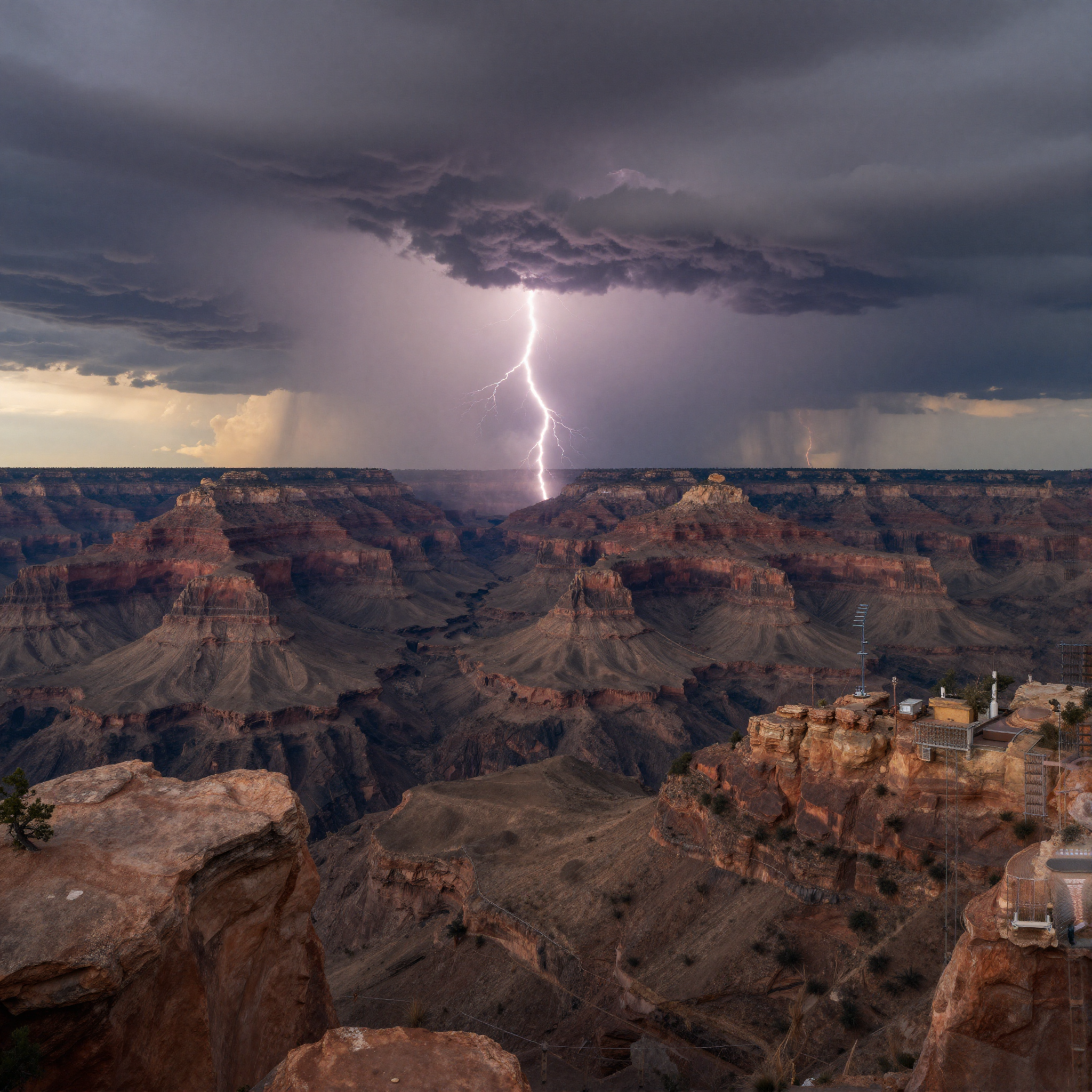
| 2048x2048 | 37 seconds | ~14GB |
Seven seconds for a 1024x1024 image on a single RTX 4080 — the same card that plays games on the weekends. The dual 3090s have more VRAM, but they’re busy running the language model that serves the whole household. Image gen lives on its own machine so neither has to stop what it’s doing.
First Tests
The first image was a portrait. “A woman standing outside at golden hour” — the most generic prompt possible.
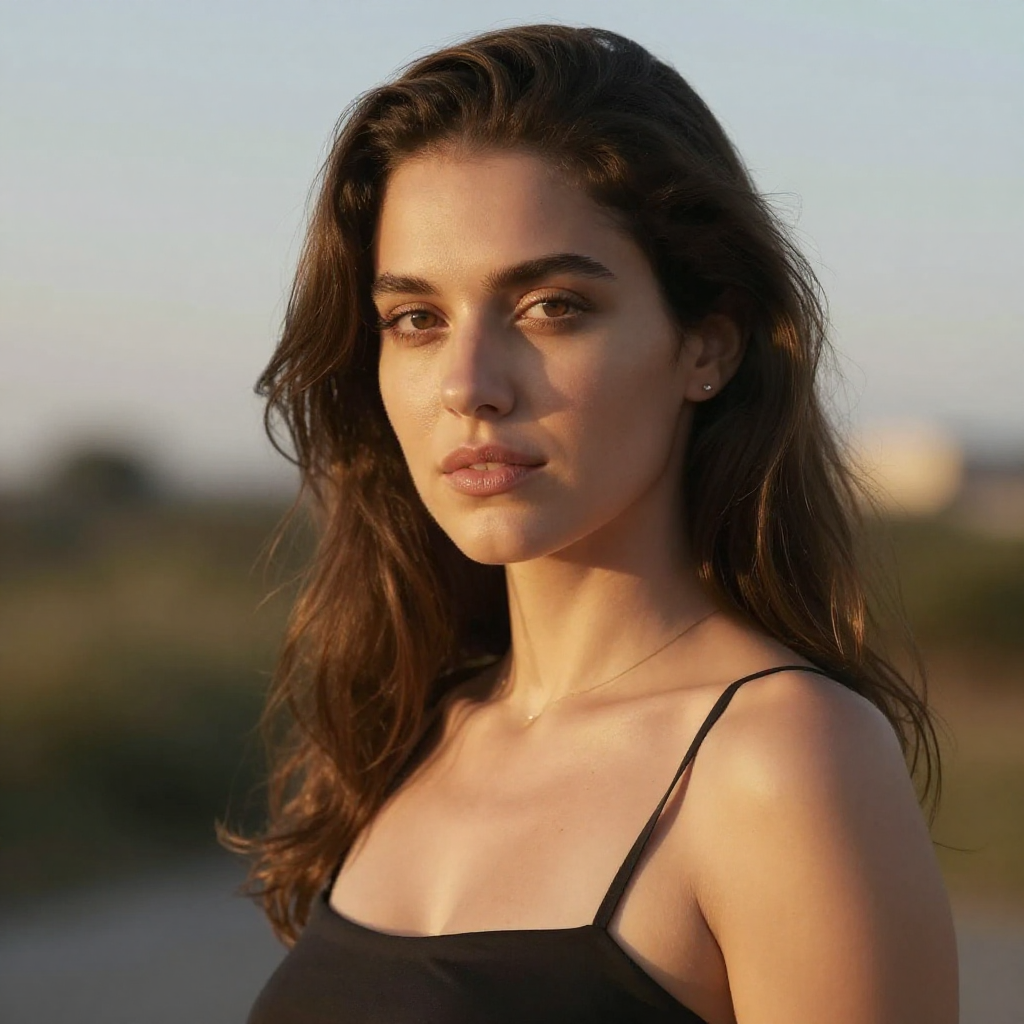
It worked. But portraits are easy — everything can do portraits. Hands are where models fall apart. I asked for a watchmaker working on a mechanism:
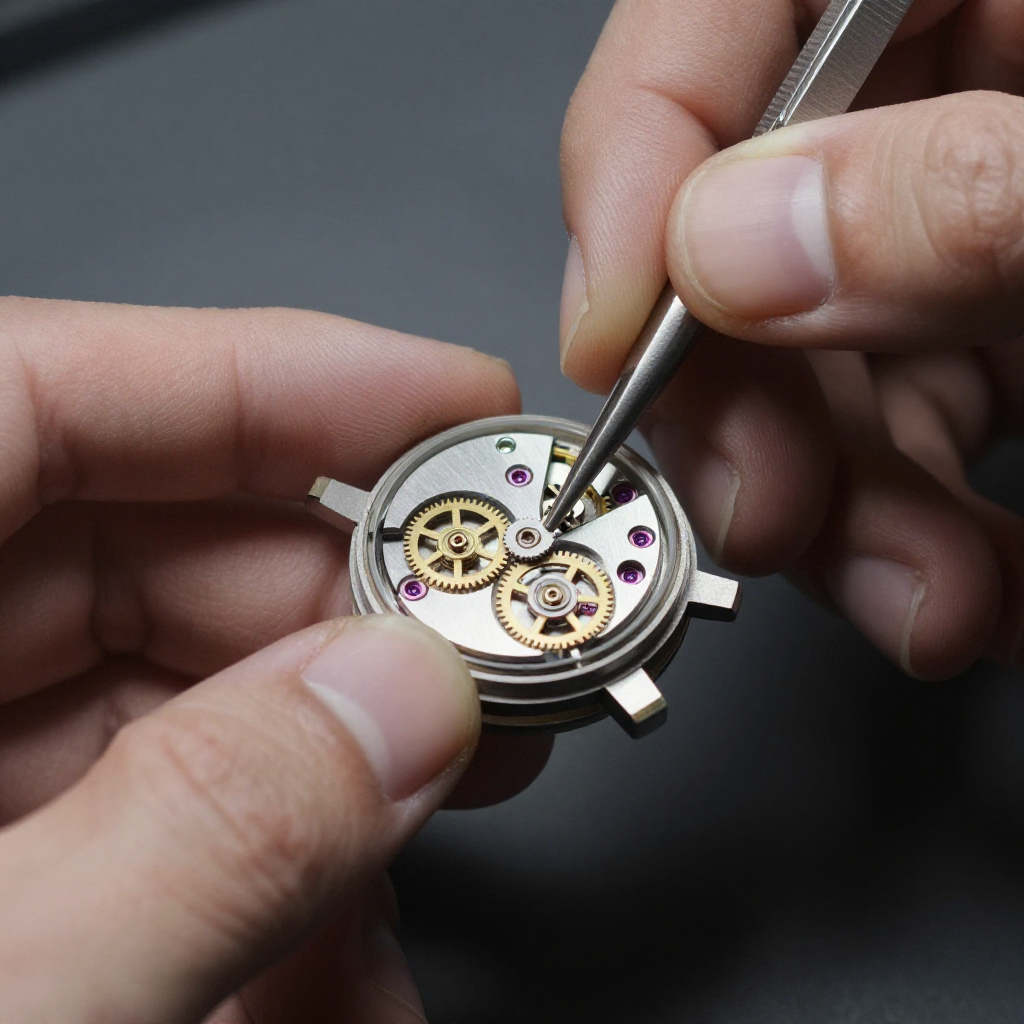
Five fingers on each hand. Correct grip on the tools. Visible joints. Good enough.
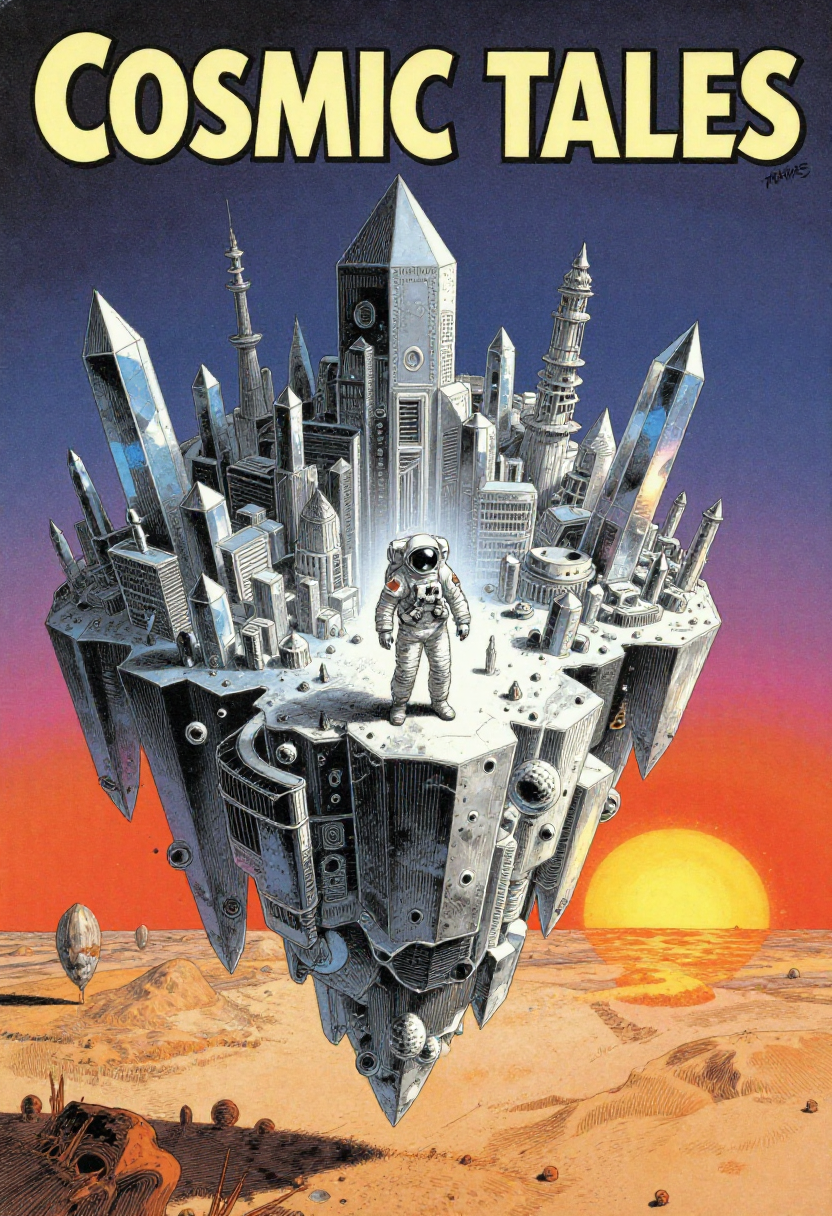
A Moebius-style sci-fi magazine cover:
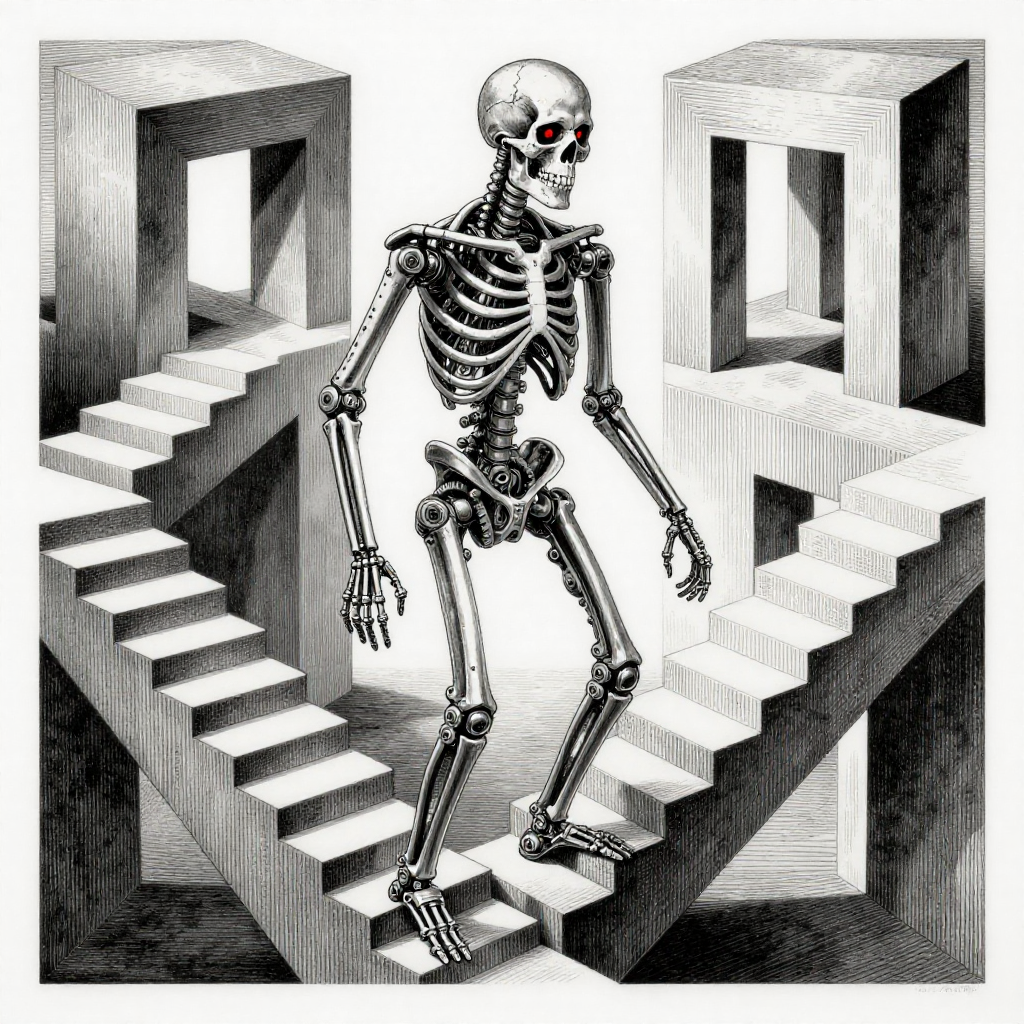
An Escher-inspired impossible staircase with the Terminator:
A 2048x2048 landscape — Grand Canyon with lightning, 37 seconds:
Where It Falls Apart
It’s not all portfolio shots. Text is the worst offender — the model knows what a GPU looks like, knows there’s text on the shroud, and has absolutely no idea what that text should say:
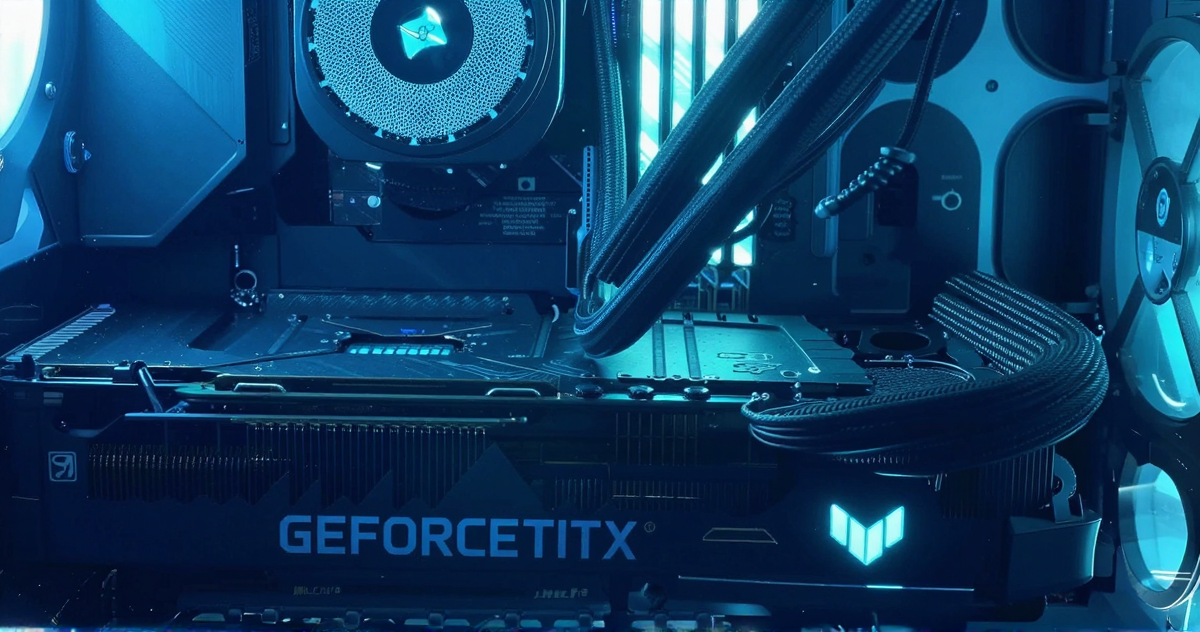
“GEFORCETITX.” Sure.
Then there’s Mario and Luigi shredding at a metal concert:
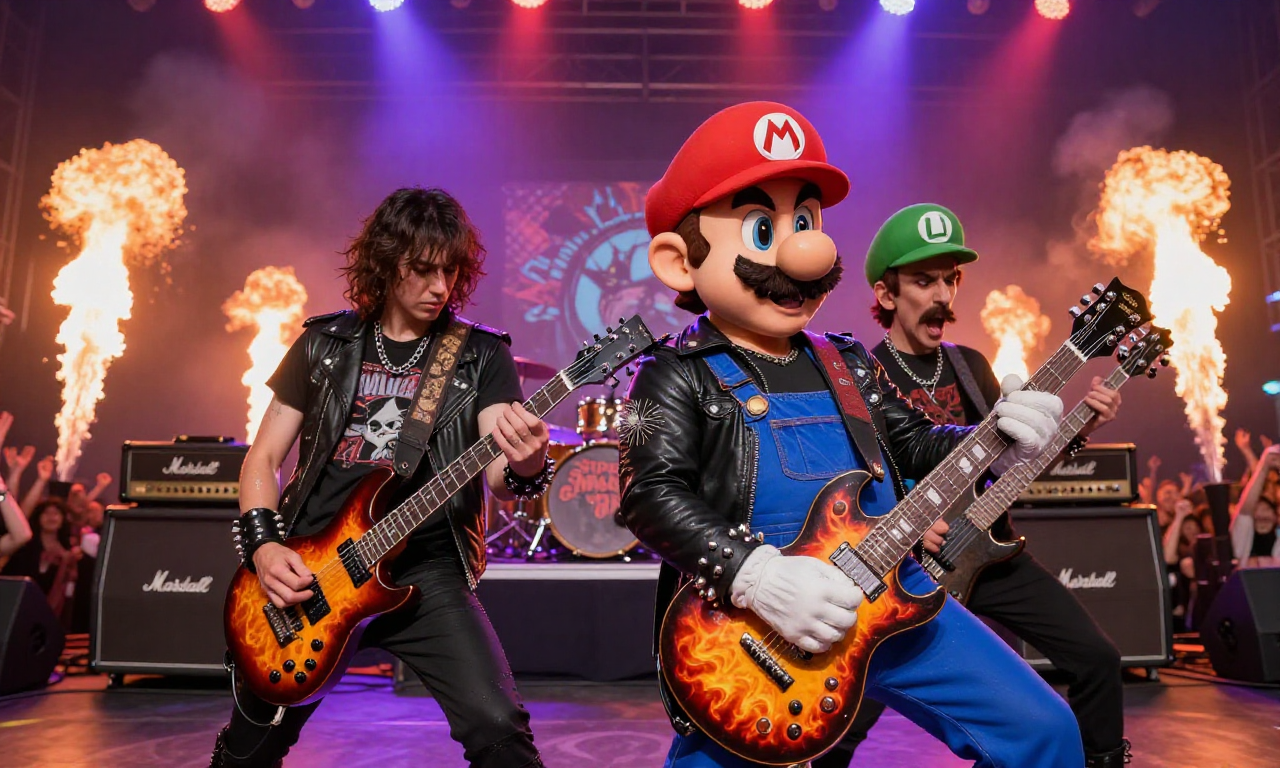
And the classic multi-character problem:
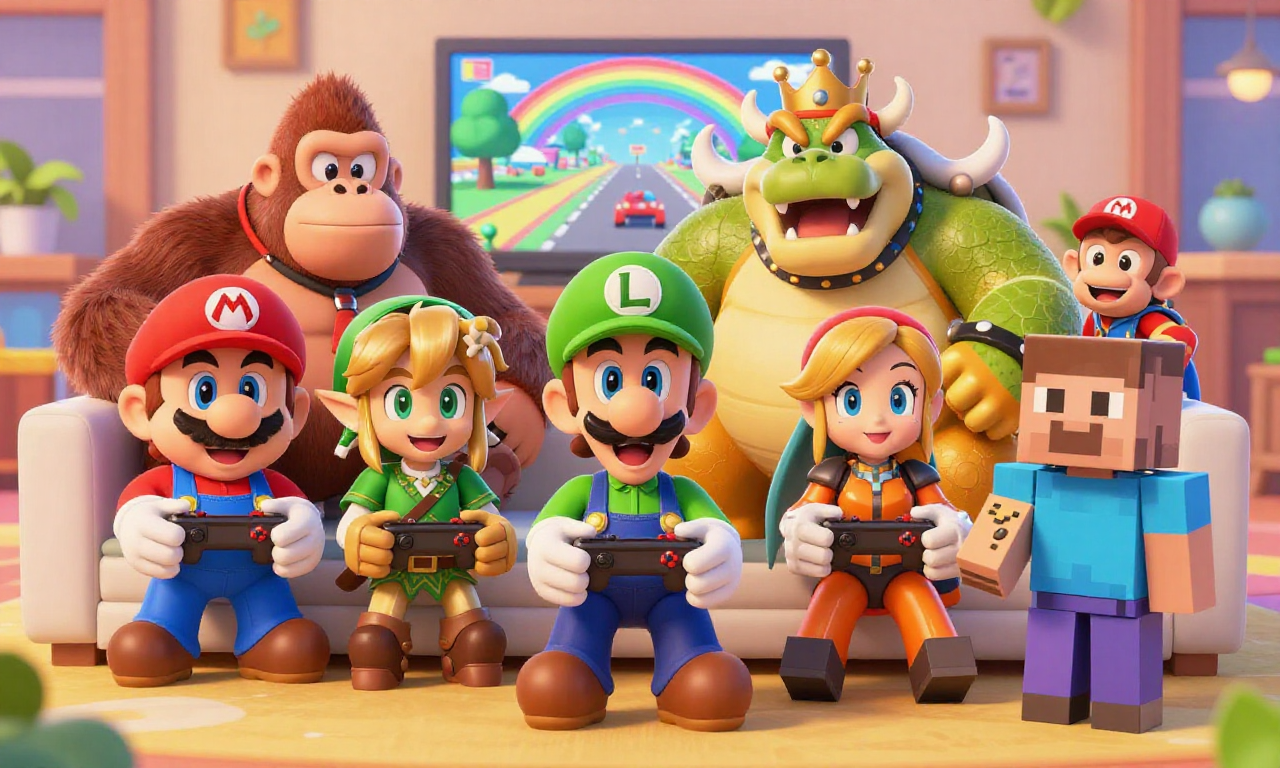
Every character looks like the right character. None of the details are right. Controllers have extra buttons, hands have bonus fingers, and there’s a Minecraft Steve just… there, for some reason.
From GUI to API
After the first dozen images, I got tired of clicking through ComfyUI’s web interface — switch to browser, build a workflow, type a prompt, click queue, wait. I wanted to type a sentence and get an image back.
The ComfyUI API accepts workflows as JSON. A 6-node workflow — checkpoint loader, text encoder, empty latent, sampler, VAE decode, save — covers everything:
workflow = {
    "1": {"class_type": "CheckpointLoaderSimple", "inputs": {"ckpt_name": CHECKPOINT}},
    "2": {"class_type": "CLIPTextEncode", "inputs": {"clip": ["1", 1], "text": prompt}},
    "3": {"class_type": "EmptyLatentImage", "inputs": {"width": 1920, "height": 1080}},
    "4": {"class_type": "KSampler", "inputs": {
        "model": ["1", 0], "positive": ["2", 0], "negative": ["2", 0],
        "seed": random_seed, "steps": 8, "cfg": 1.0,
        "sampler_name": "euler_ancestral", "scheduler": "sgm_uniform"
    }},
    "5": {"class_type": "VAEDecode", "inputs": {"samples": ["4", 0], "vae": ["1", 2]}},
    "6": {"class_type": "SaveImage", "inputs": {"images": ["5", 0]}}
}
requests.post("http://localhost:8188/prompt", json={"prompt": workflow})
Submit the JSON, poll for completion, download the result. A media manager sits on top of this — starts ComfyUI when I need it, keeps it running for an hour, then kills it to free the GPU.
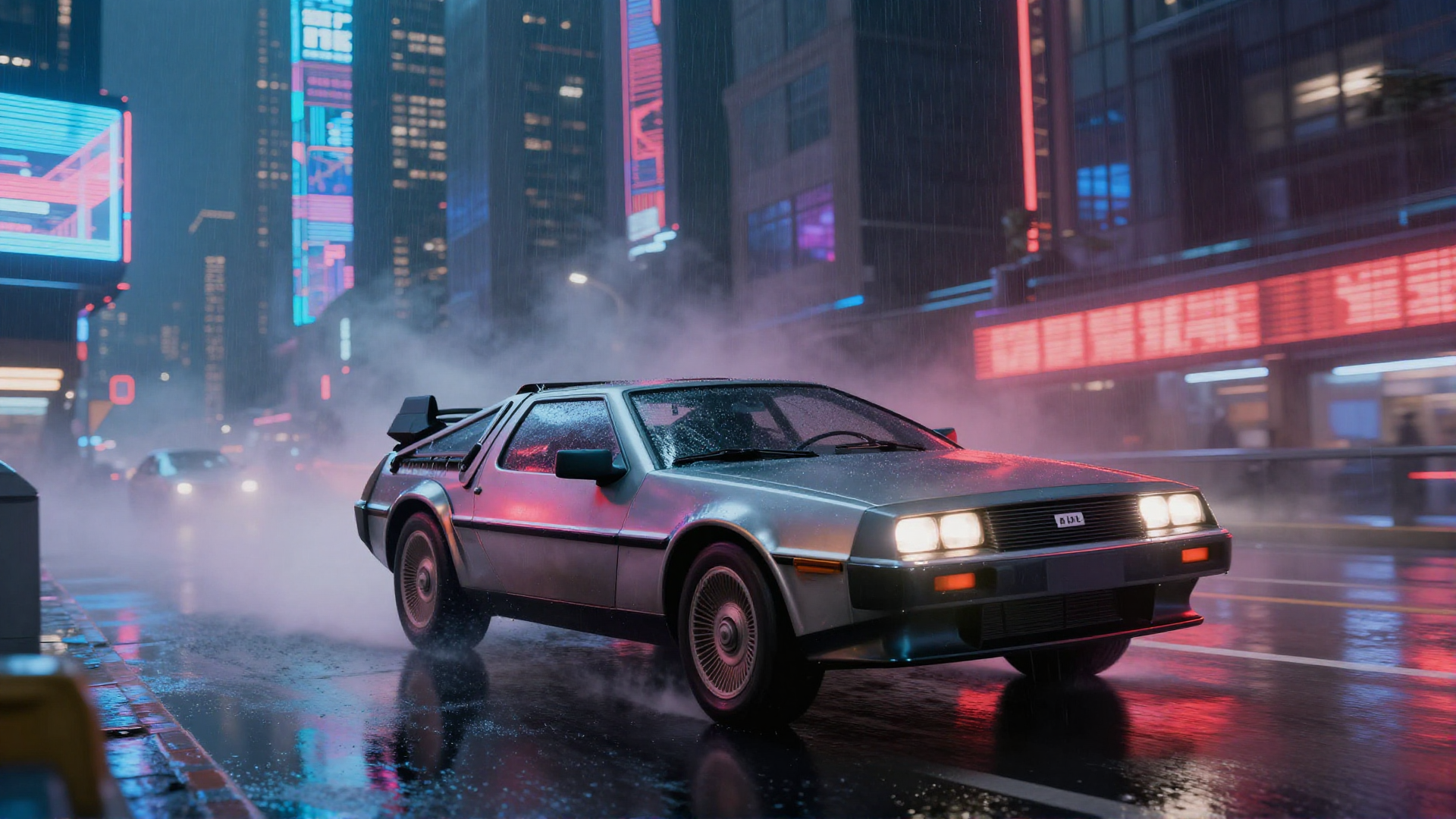
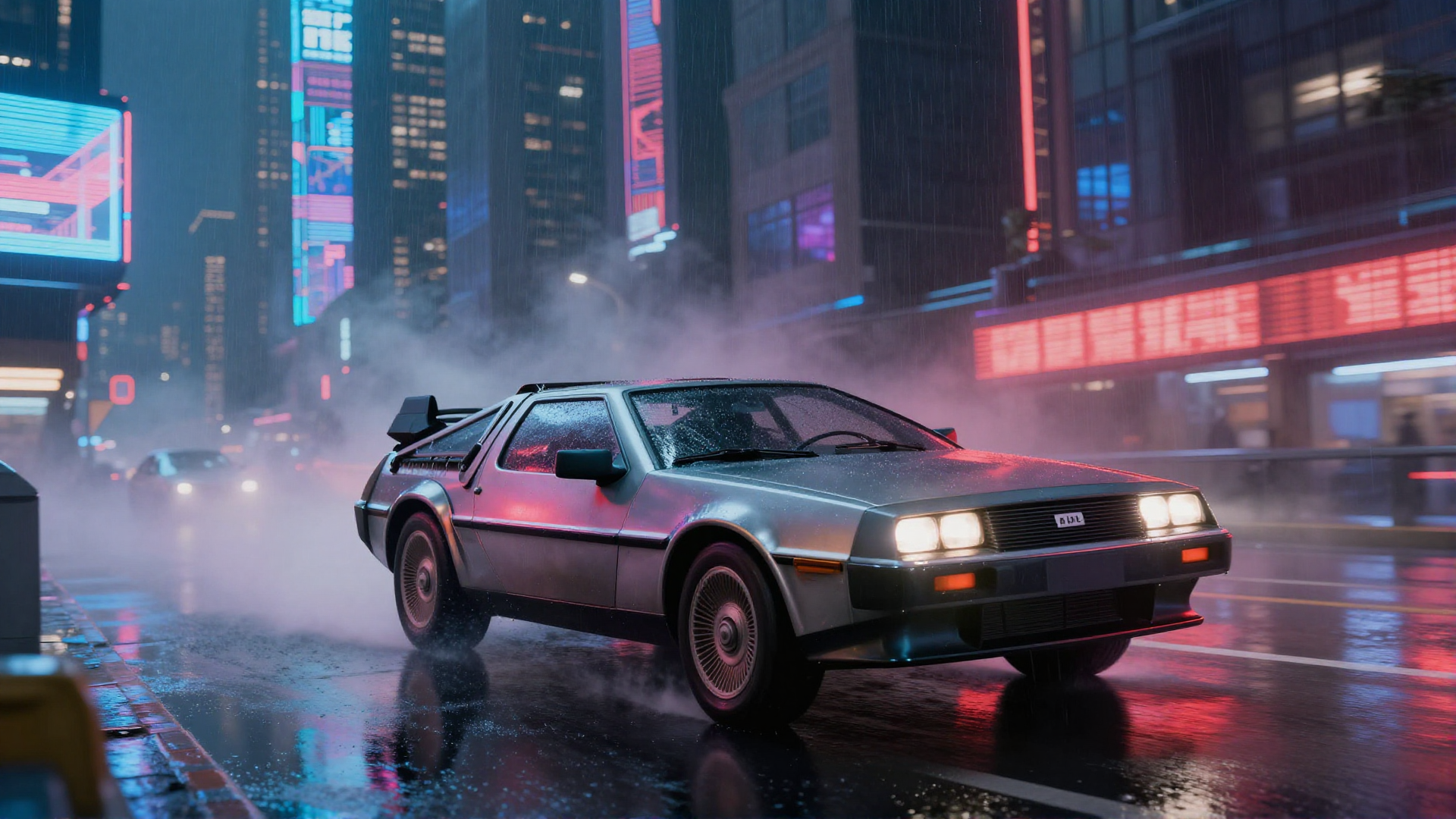
A DeLorean in a cyberpunk city — one text command:
60 Images in One Night
My son wanted to try it. He sat down and started making up a story — an Eevee evolution saga with custom characters, battles, a final showdown. He did all the typing himself. I’d clean up his descriptions into prompts, and 10 seconds later we had the illustration.
Over one evening: 60+ images. Custom Eeveelutions he invented — Chroneon, Lumineon, Voideon, Abysseon — battles, a godlike transformation.
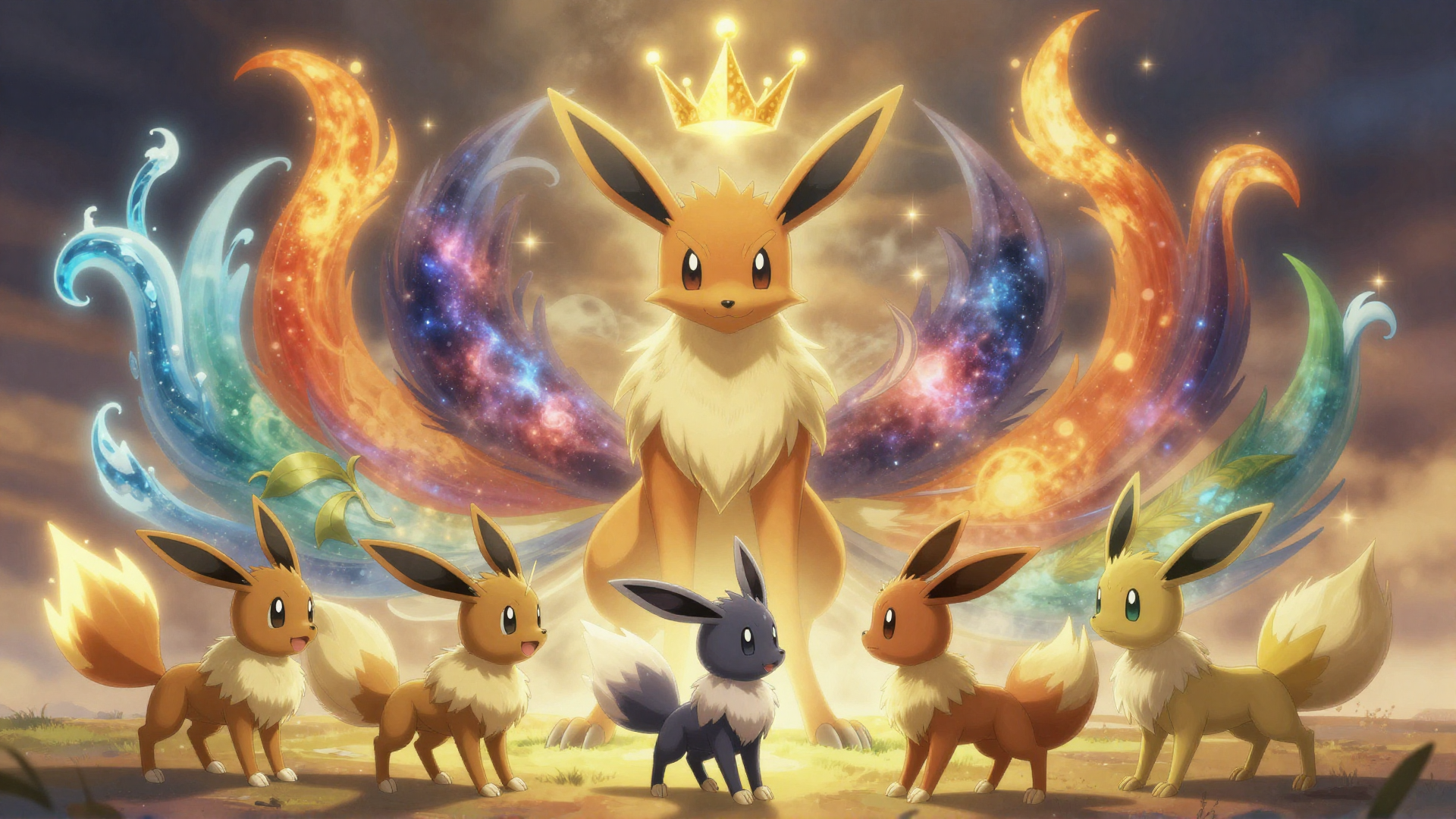
After that night, it stopped being a project. Now I just use it. And it gave me an idea — an automated pipeline that takes a story like his, generates the illustrations, adds AI voiceover, and stitches it into a narrated video. That’s next.
Where It Sits Now
- Hardware: RTX 4080 (16GB)
- Model: Z-Image Turbo FP8 All-in-One (9.7GB)
- Interface: ComfyUI API
- Settings: 8 steps, CFG 1.0, euler_ancestral, sgm_uniform
- Speed: 7s at 1024x1024, 15s at 1920x1080
- Output: 103 images and counting
Every image in this article came from this setup. It’s not perfect — text is hit or miss, complex scenes get weird, six-fingered hands happen. But it does the job. All local. No API credits, no uploads, no subscription. Just a GPU that plays games on weekends.
Still on the list: AI upscaling for higher-res output, LoRAs for style control and consistent characters, and inpainting to fix the parts the model gets wrong instead of re-rolling the whole image. The pipeline works — now it’s about pushing what it can do.